These resources help make accessibility part of everyday work.
I built this toolkit for small and medium teams who need practical, fast ways to create accessible content and documents. Everything here aligns with WCAG 2.2 AA, EN 301 549, and Section 508 requirements.
Interactive Tools
These hands-on tools help you understand and implement accessibility in your daily work. Whether you're learning what accessible design feels like or checking content before publishing, these resources provide immediate, practical support for creating digital experiences that work for everyone.
Accessibility Standards
Experience how accessible design features work in practice.
Accessibile Compliance
Easy-to-use guides to help your site meet accessibility requirements and standards.
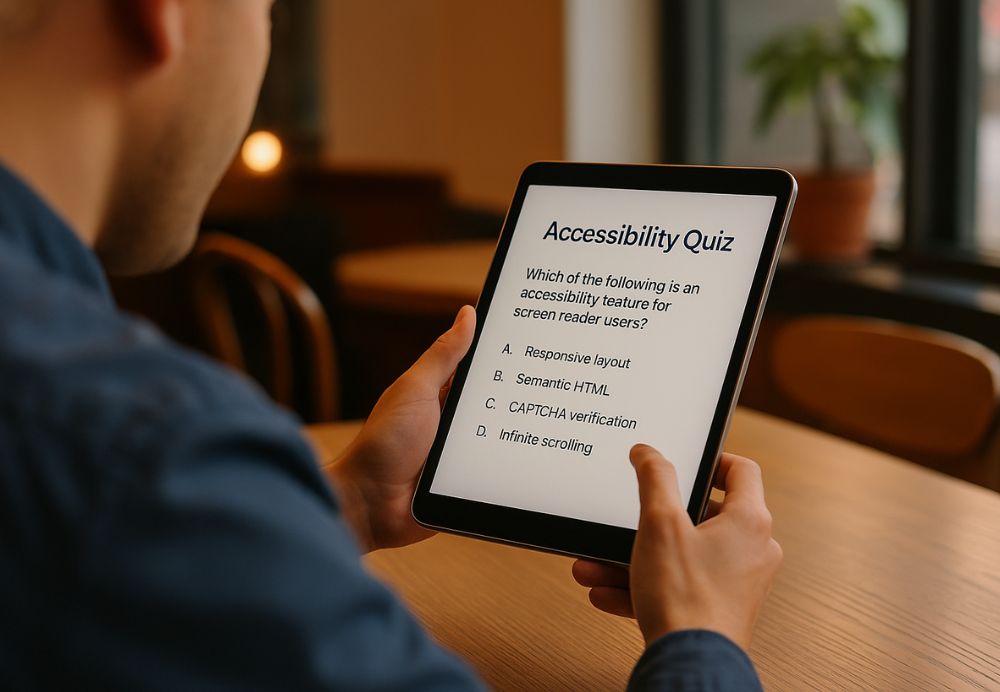
Are you designing for everyone or just some people?
Perfect for designers, developers, and content creators who want to ship experiences that actually work. Not just websites that pass automated tests, but interfaces real people can navigate, content they can understand, and forms they can actually complete.
Test your knowledge on the accessibility decisions that matter: color contrast that people can see, navigation patterns that make sense, cognitive load that doesn't overwhelm, and content choices that include everyone.
Third-party resources
A collection of helpful guides and information to assist with understanding and implementing digital accessibility.
Automated Accessibility Testing
- WAVE (WebAIM) – Visual feedback tool showing accessibility errors directly on pages.
- axe DevTools (Deque Systems) – Browser extension for WCAG 2.1 AA/AAA compliance.
- Lighthouse (Google) – Audits for performance, SEO, and accessibility.
Design & Color Tools
- Color Oracle – Simulates color blindness for visual design checks.
- A11y Palette – Generates accessible color schemes automatically.
Manual Testing & Evaluation Tools
- NVDA (NonVisual Desktop Access) – Free Windows screen reader.
- JAWS (Job Access With Speech) – Commercial screen reader used in enterprise testing.
- VoiceOver (macOS/iOS) – Built-in Apple screen reader.
- TalkBack (Android) – Built-in accessibility testing for Android apps.